




DATEV export: invoices as a posting batch for your tax advisor
Pick a month, and Bookicorn writes all invoices and cancellation invoices with revenue account, document number and posting text into a DATEV file. Your tax advisor imports it instead of typing up receipts.
- Free plan, free forever
- No demo call, start right away
- No credit card
Updated 25 September 2026
The DATEV export at a glance
- CSV in the DATEV EXTF format
- Posting batch
- month and year freely selectable
- Monthly
- one posting with the invoice number as document
- Per invoice
- as credit postings in the same batch
- Cancellations
- accounts prefilled, all changeable
- SKR03
- builds on the invoicing system
- Add-on
What is Bookicorn's DATEV export?
The DATEV export is an add-on that writes all of a month's invoices and cancellation invoices as a posting batch in DATEV format into a CSV file. DATEV is the accounting standard used by tax advisors in Germany, and Bookicorn supports it directly. Each invoice becomes one posting with gross amount, revenue account by tax rate, document date and invoice number. You hand the file to your tax advisor.
- Who it's for
- For studios, schools and instructors whose accounting runs on DATEV or who send data to their tax advisor every month, typically in Germany.
- What you get
- A posting batch per month with invoices, cancellation invoices and recorded Stripe fees, plus advisor number, client number and your accounts.
- What it costs
- The DATEV export is an add-on and takes one add-on slot in your plan. It also requires the Invoicing System add-on.
How to get DATEV Export
You turn on DATEV Export in the Add-on Store of your Manager with one tap and can switch it off at any time. It uses one of your plan's add-on slots. Once all slots are taken, you can add it on in the paid plans.
- Exports the invoices from the invoicing system, based on the invoice date
- You enter the advisor number, client number and accounts once
- Only your studio's admins see and export the data
- Free
- 1 slot
- Starter
- 3 slots
- Professional
- 8 slots
- Premium
- all add-ons
The DATEV export requires the Invoicing System add-on, because it exports its invoices.
View requirementWhat the DATEV export can do
Your invoices become a posting batch that your tax advisor processes further.
All featuresPosting batch in DATEV format
A CSV file in the EXTF posting batch format, with advisor number, client number and period in the header and one posting per invoice.
One posting per invoice
Gross amount, revenue account by tax rate 19% or 7%, bank as the contra account, document date, the invoice number as the document field and the first line item as posting text.
Cancellation invoices as credits
Cancellation invoices appear with their own number as credit postings in the same batch. That way the canceled invoice balances out.
Stripe fees as a separate posting
If Bookicorn knows the Stripe fee of an online payment, it's added as a separate posting to account 4970.
Your accounts
Enter the advisor number and client number from your tax advisor, plus the accounts for revenue 19%, revenue 7% and bank. The SKR03 values 8400, 8300 and 1200 are prefilled.
Pick a month and export
Choose month and year and download the file in the browser or share it right from your phone, such as by email to your tax advisor.
Also included
- The previous month is already selected when you open it
- Number of exported postings as confirmation
- File name with year and month
What goes well with the DATEV export
Core features are included in every plan, add-ons you turn on when you need them.
Invoicing system
Automatic invoices and cancellation invoices for bookings, credit and gift card purchases, with ZUGFeRD PDF and a copy to your accounting.
Learn moreTransaction overview
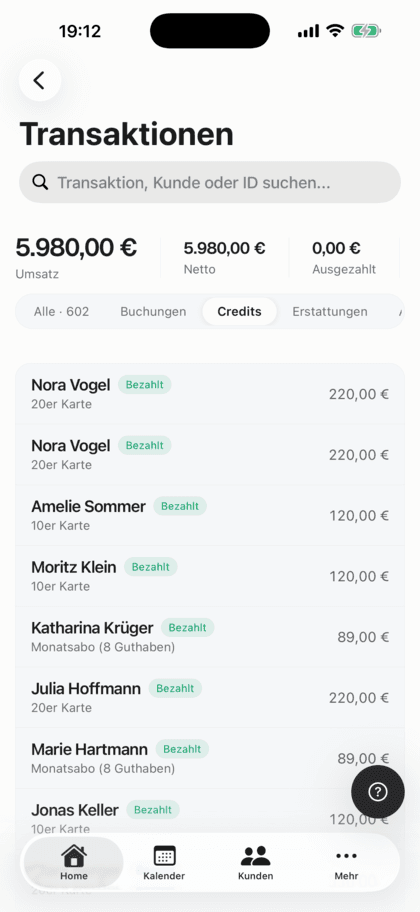
All your studio's payments in one list: with status, payment reminders, Stripe fees and payout status.
Learn moreRevenue and statistics
Revenue and occupancy on the dashboard compared to the previous period, plus net, revenue sources and key figures per offering and per client.
Learn moreOnline payments with Stripe
Your clients pay online when booking by card, Apple Pay, Google Pay, Klarna and more. The money goes directly to you through Stripe, with no commission.
Learn moreRefunds
When you cancel a booking, Bookicorn refunds online payments automatically through Stripe or PayPal and returns credits. Cash payments become a reminder.
Learn moreFrequently asked questions about the DATEV export
Answered briefly. The first sentence is always the answer.
Can't find your question?
Write to usYes. The export writes the invoices and cancellation invoices from the invoicing system into the posting batch. Without the invoicing system, no invoices are created, and the file would contain no postings.
Still have questions about the DATEV export?
Write to us in two minutes. You get a personal reply from people, not from a bot, and we tell you honestly whether Bookicorn is right for you.

Hi, I'm Daniel. Tell me briefly what you offer, and I'll tell you how to set it up in Bookicorn.
Daniel Haenle · replies personally

Send your tax advisor the month in one file
Turn on the Invoicing System and DATEV Export, enter the advisor number, client number and accounts, and export your posting batch every month.
- 14 days of every feature
- No credit card
- 0% commission
- No minimum term

Ready to go in minutes
- Create your account
- Add your first offering
- 3Share your booking page