






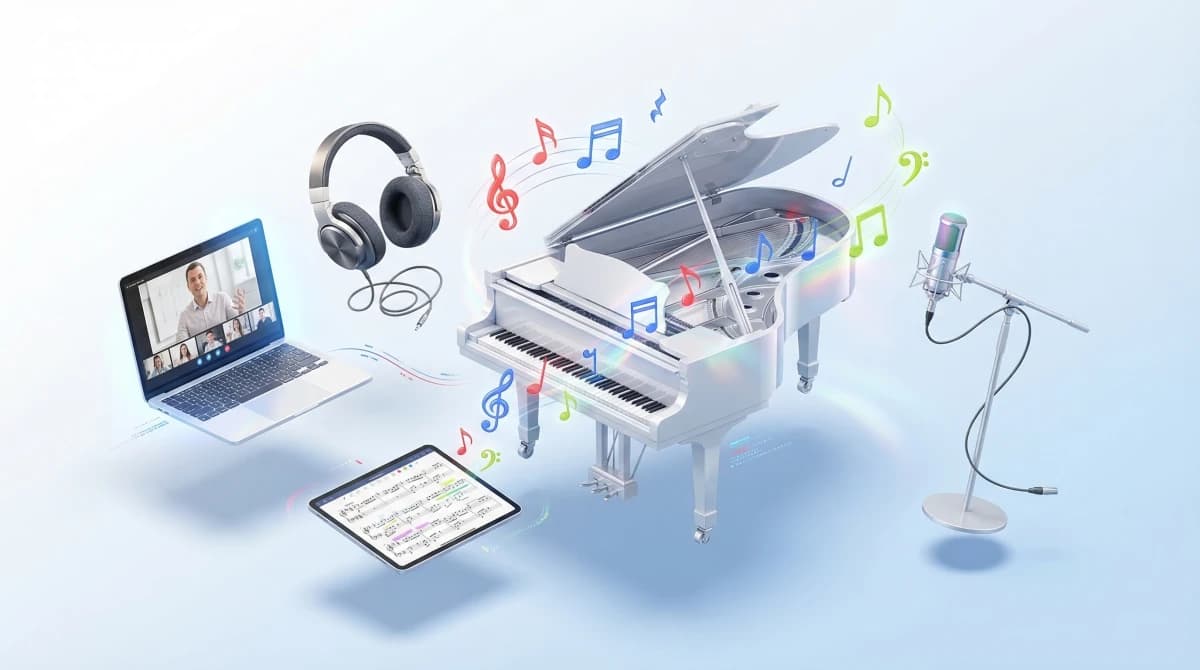
Digitalization has fundamentally changed music education. Online music lessons are no longer a temporary solution but an integral part of modern music schools. Whether piano, guitar, or voice: more and more students expect the option to learn flexibly from home.
For music school operators, one central question arises: What opportunities does digital teaching offer, and where does it reach its limits? This guide analyzes both sides, presents practical solutions, and helps you make an informed decision for your music school.
Demand for digital music instruction has steadily increased in recent years. According to industry studies, over 30 percent of music schools in Germany now use digital teaching formats. The trend is clear: those without an online offering risk losing potential students to competitors.
What Is Online Music Instruction?
Definition and Formats
Online music instruction refers to any form of instrumental lessons, vocal coaching, or music theory delivered through digital channels. Several formats exist:
- Live one-on-one lessons via video conferencing (e.g., Zoom, Skype, FaceTime)
- Live group lessons with multiple students simultaneously
- Pre-recorded video tutorials for self-study
- Interactive learning platforms with exercises and feedback systems
- Hybrid formats that combine in-person and online instruction
Live one-on-one lessons via video are the format closest to traditional in-person instruction. Teachers can correct, demonstrate, and respond to individual needs in real time.
Hybrid Model vs. Purely Online Teaching
Purely online music schools rely exclusively on digital formats. For most music schools, however, a hybrid model is recommended: the majority of lessons take place on-site, while selected sessions or certain course formats are offered online. This way, you reach new target groups without losing personal connection.
Which model is right for your music school depends on factors such as location, target audience, and staffing resources. The following sections analyze the specific advantages and disadvantages.
Opportunities: Why Online Teaching Benefits Music Schools
Online music instruction offers music schools a range of strategic advantages that go beyond mere convenience. The following four areas highlight where the greatest potential lies.
Greater Reach and New Target Groups
The biggest advantage of online teaching is geographic independence. Your music school is no longer limited to students in the immediate vicinity. Families from rural areas, professionals with long commutes, or students abroad can suddenly access your offerings.
This is particularly advantageous for specialized music schools. Those offering instruction for rare instruments like harp, harpsichord, or traditional instruments will find a significantly larger audience online than locally.
Flexibility for Students and Teachers
Online instruction enables more flexible scheduling. Students save travel time, and teachers can organize their teaching day more efficiently. A 30-minute lesson can be slotted between two in-person appointments without any travel time.
For parents of school-age children, the need to drive to the music school is eliminated. This significantly lowers the barrier to regular lessons. Experience shows that cancellation rates for online sessions are up to 40 percent lower than for in-person instruction.
Cost Efficiency and Scalability
Online instruction reduces fixed costs. You need fewer physical teaching rooms, save on heating and electricity, and can offer more lessons per day. Teachers working from home do not require dedicated space at your music school.
At the same time, it allows you to expand your offerings without major investments. A new electric guitar teacher can start online immediately, without renting an additional room. This reduces the financial risk when expanding your program.
Access to Specialized Teachers
Not every music school has access to top-tier instructors nearby. Online teaching opens the door to highly qualified teachers worldwide. A renowned jazz pianist from Berlin, a flamenco guitarist from Seville, or a tabla player from Mumbai: all of this becomes possible when the teaching space is virtual.
For advanced-level students, this access can make a decisive difference. Instead of being limited to local offerings, your music school can present an internationally diverse team.
Limitations: Where Online Teaching Reaches Its Boundaries
As promising as the opportunities are, it is equally important to realistically assess the limitations of online music teaching. Not every instrument and not every teaching situation is equally suited to the digital format.
Technical Requirements and Audio Quality
The biggest technical hurdle is audio quality. Standard video conferencing tools like Zoom or Skype heavily compress sound and filter out perceived background noise, including musical overtones and nuances. For vocal coaching or multi-instrument ensemble work, this can be problematic.
Additionally, every internet connection causes a latency of at least 20 to 50 milliseconds. This makes synchronous real-time playing virtually impossible. Ensemble lessons, chamber music, or band rehearsals only work online to a limited extent.
Limitations with Certain Instruments
Not all instruments are equally well-suited for online instruction. While piano, guitar, voice, and wind instruments work well, there are limitations with other instruments:
- Drums: volume frequently overloads the microphone; e-drums as alternative
- String instruments: bow hold and sound quality difficult to assess via video
- Large ensembles: latency makes playing together impossible
- Beginners on wind instruments: embouchure and breathing technique often require in-person correction
Social Interaction and Group Dynamics
Music instruction thrives on personal contact. Making music together in a group, spontaneous jam sessions, or the sense of togetherness after a concert – these experiences cannot be fully replicated online. Especially for children and teenagers, the social aspect is an important motivational factor.
Non-verbal communication is also limited. A teacher who gently corrects a student’s hand or adjusts their posture during in-person lessons cannot do this online. This tactile component is completely absent.
Motivation and Commitment
Some students perceive online lessons as less binding. The physical separation can lead to lessons being perceived as less “real.” Distractions at home – siblings, pets, smartphones – pose an additional challenge.
As a music school, you can actively counteract this: clear rules for online lessons, regular progress reports, and occasional in-person sessions strengthen the bond and keep motivation high.
The Hybrid Model: Combining In-Person and Online
The most successful strategy for most music schools is not choosing between in-person and online, but the intelligent combination of both formats. A hybrid model leverages the strengths of both approaches while minimizing their respective weaknesses.
How to Design a Hybrid Teaching Offering
A proven pattern: regular instrumental lessons take place predominantly in person. Additionally, you offer individual online sessions, for instance when a student is ill, the weather is bad, or travel is not possible. This way, no teaching hours are lost.
Further uses for the online component:
- Theory lessons (harmony, ear training, music history)
- Practice support between regular sessions
- Masterclasses and workshops with external instructors
- Holiday lessons for students who are traveling
- Trial lessons for prospective students from the region
Which Instruments Are Suited for Online Teaching?
Suitability varies by instrument and level:
- Very well suited: Piano, keyboard, guitar (acoustic and electric), voice, ukulele, music theory
- Well suited: Flute, clarinet, saxophone, trumpet (individual lessons)
- Conditionally suited: Violin, cello (experienced students), drums (with e-drums)
- Less suited: Ensemble playing, orchestra rehearsals, drum circles
Practical Example: A Music School Makes the Switch
A mid-sized music school with 200 students in a small town successfully implemented the following approach: 80 percent in-person, 20 percent online offerings. The online portion includes theory courses, practice sessions, and substitute lessons. The result: 15 percent fewer cancelled lessons and 25 new students from the expanded catchment area within six months.
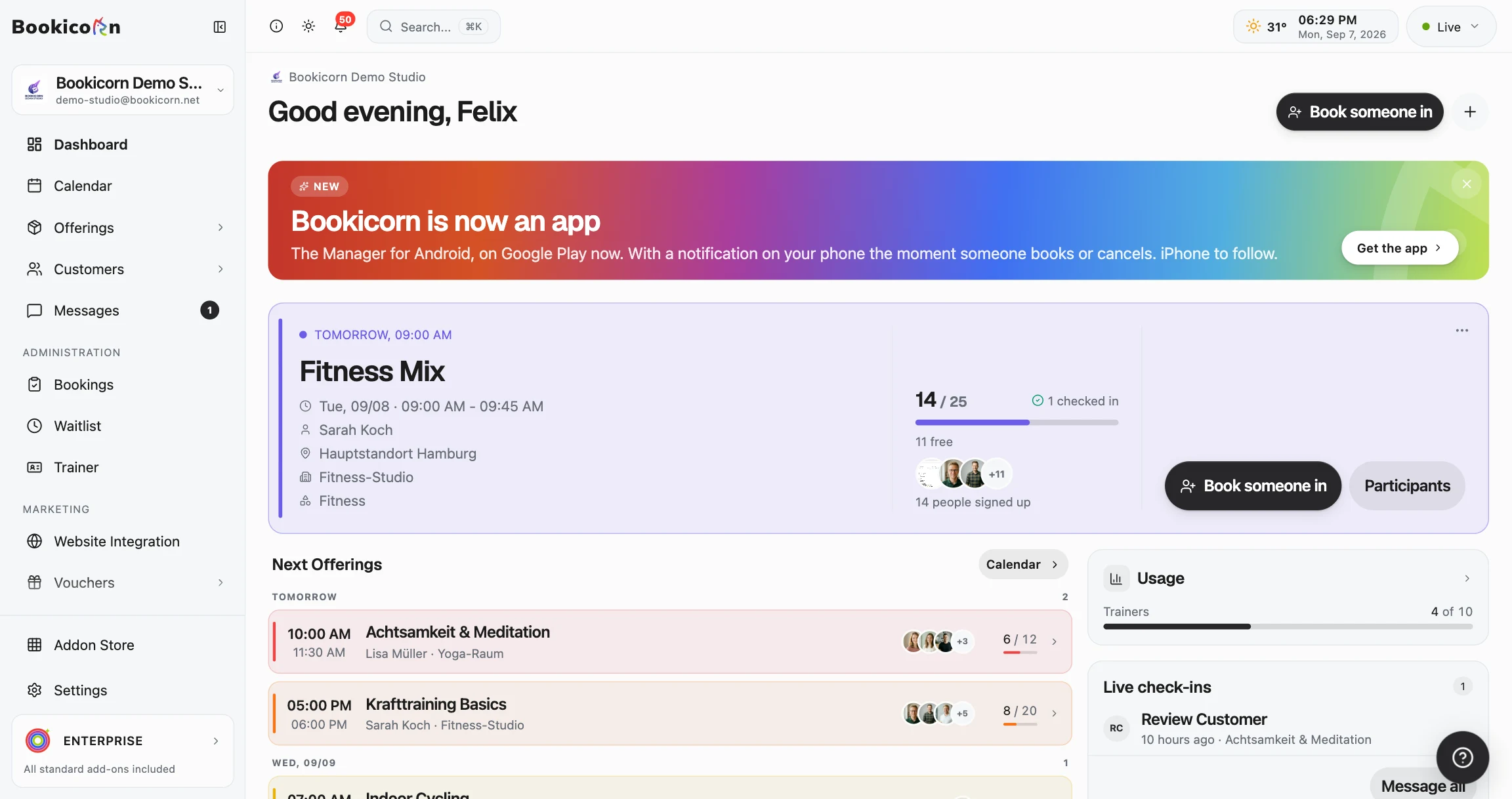
Key to success was the right management software that seamlessly handles both in-person and online appointments. Booking, payment, and communication all ran through a single system.
Technical Equipment for Online Music Teaching
The right technical equipment is crucial for the quality of online instruction. Invest strategically in the right areas rather than buying expensive complete setups.
Hardware: Microphone, Camera, and Internet
The microphone is the most important investment. A USB condenser microphone (from around 80 euros) delivers significantly better audio quality than a headset or built-in laptop microphone. For instruments with a wide dynamic range like piano, an audio interface with an XLR microphone is additionally recommended.
The camera should have Full HD resolution. Most modern laptops meet this requirement. Important: position the camera so that your hands and instrument are clearly visible. A second camera for a top-down view of the keyboard can significantly improve the lesson.
For internet: at least 10 Mbit/s upload speed is needed. A wired connection (LAN) is more stable than WiFi. Tip: have both teachers and students run a speed test before the first session.
Software and Video Conferencing Tools
Not every video conferencing software is suitable for music teaching. The key options:
- Zoom – with Original Sound enabled, the most popular choice. Free up to 40 minutes, Pro from 13.99 euros/month
- Doozzoo – specifically developed for music instruction, with integrated metronome, sheet music sharing, and optimized audio processing
- FaceTime – simple with good audio quality, but only for Apple users
- Jamulus – specialized in low-latency ensemble playing, but requires technical know-how
Room Setup and Acoustics
A quiet room with minimal reverberation is ideal. Simple measures like a carpet, bookshelves, or sound absorbers can significantly improve acoustics. Avoid windows behind you – backlighting makes it difficult for students to see your movements.
Also ensure good lighting. A desk lamp that evenly illuminates your face and hands is often sufficient. Students need to be able to clearly see your facial expressions, hand positions, and finger placements.
Digitize Administration: Scheduling, Payments, Communication
The technical side of teaching is only half the battle. Equally important is efficient administration of the online offering. Manual scheduling by phone and invoicing by mail are no longer up to date.
Online Booking and Schedule Management
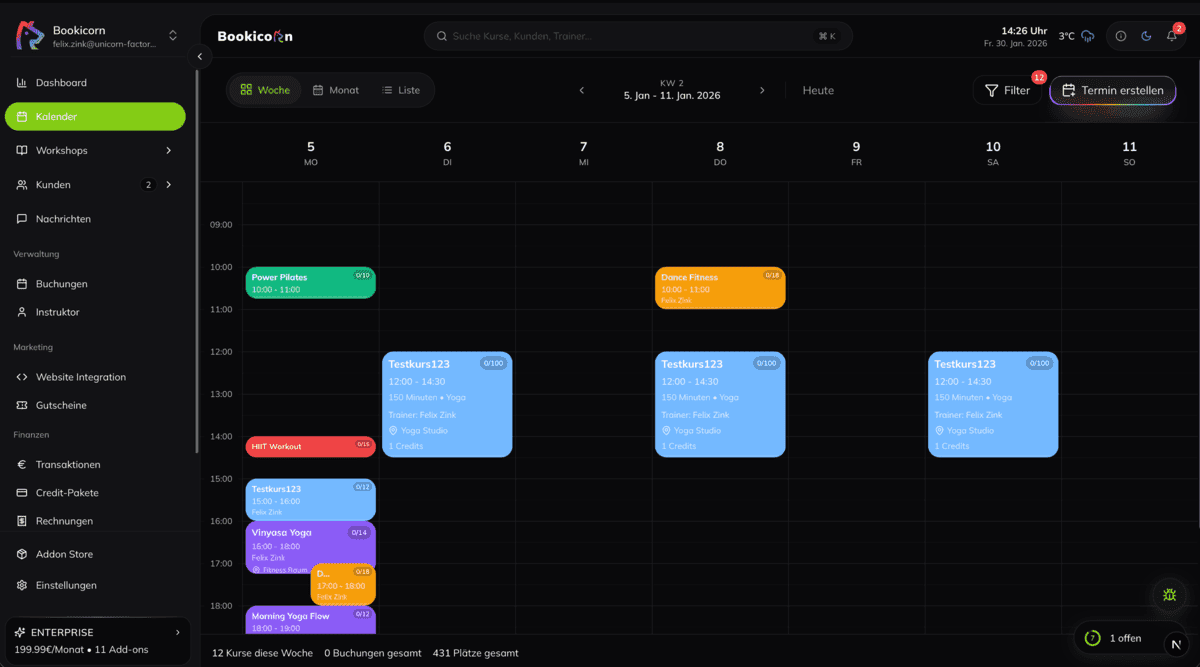
Digital appointment booking saves time for you and your students. Students can view available slots and book directly – even outside your office hours. Cancellations and rebookings run automatically without your intervention.
Ensure your booking system distinguishes between in-person and online appointments. Students should be able to choose during booking whether they want to attend on-site or online. The video conference link is automatically sent with the booking confirmation.
Digital Invoicing and Payment Processing
Online payments are now standard for many students. Integrate payment options like credit card, direct debit, or instant bank transfer into your booking system. This reduces outstanding invoices and the effort for payment reminders.
Automatic invoice generation after each session or as a monthly invoice further relieves your administration. Digital receipts can be sent directly by email.
Communication with Students and Parents
A central communication platform replaces the chaos of emails, WhatsApp messages, and phone calls. Through an integrated messaging system, you can send students practice assignments, change appointments, or give feedback – all in one place.
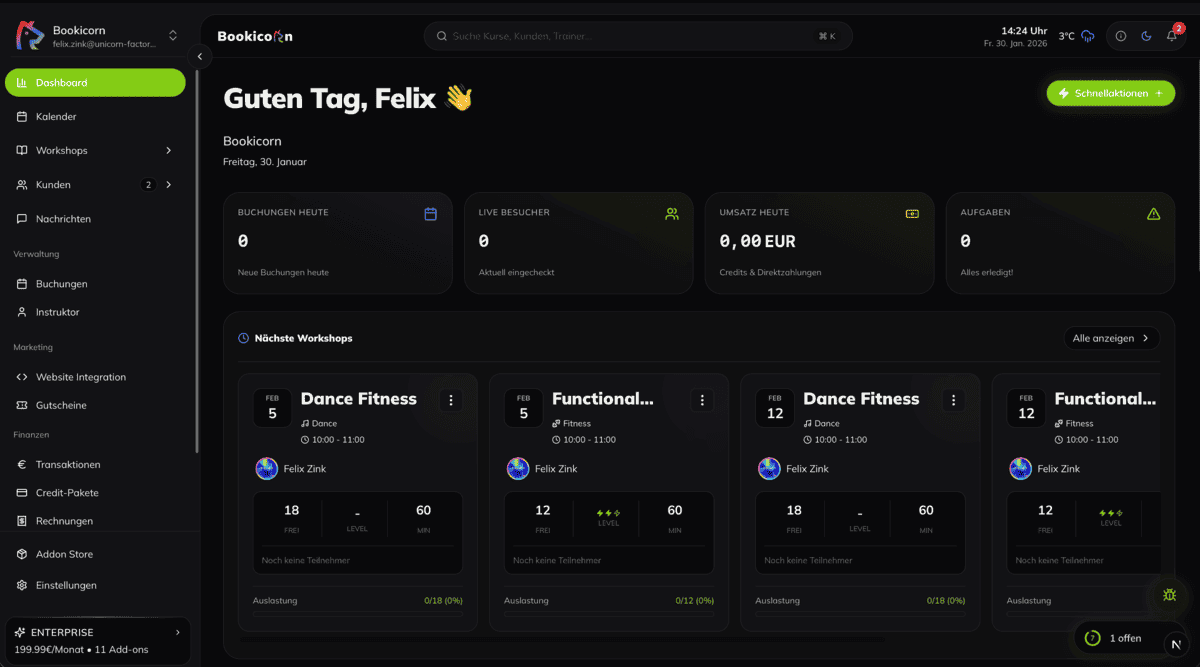
For music schools offering both in-person and online instruction, a specialized music school software is the most efficient solution. Instead of combining multiple tools, everything runs through a single system.
Tips for a Successful Start with Online Music Teaching
Transitioning to a hybrid teaching model works best step by step. The following practical tips help you avoid typical beginner mistakes and present a professional image from the start.
Train and Engage Your Teachers
Not every teacher is immediately enthusiastic about online instruction. Offer internal training sessions where your instructors can try the technology and hold practice sessions with each other. Experience shows that teachers need three to five online sessions to feel confident.
Important: provide your teachers with clear guidelines. A standardized procedure for the beginning and end of each online session creates routine and professionalism. This includes: logging in on time, testing camera and microphone, preparing materials, and greeting the student.
Prepare Students and Parents
Inform your students and their parents early about the new offering. Create a short guide with screenshots that explains step by step how to join the online lesson. Clarify common questions in advance: What software is needed? Do I need headphones? How does mute work?
Optionally offer a free technology trial session where students and teachers can test the connection. This removes barriers and prevents the first real lesson from being disrupted by technical issues.
Adapt Teaching Methods
Online teaching requires slightly adapted methods. Some proven strategies:
- Clearly formulate practice tasks: Send a brief written summary of practice assignments via message or email after each session
- Use visual aids: Share sheet music, chord charts, or videos via screen sharing
- Enable recordings: Let students record short practice videos and send them to you – allowing feedback between sessions
- Plan breaks: Especially for younger students, short breaks every 15 minutes help maintain concentration
- Create variety: Alternate between playing exercises, theory, and free play to keep attention high
Pricing and Packages
Prices for online instruction should match in-person rates. Quality is comparable, and a lower price unintentionally signals that online teaching is worth less. Many successful music schools instead offer flexible packages:
- Hybrid subscription: 3 in-person sessions + 1 online session per month at a package price
- Flexi sessions: 10-session card redeemable for both in-person and online instruction
- Online intensive course: Compact theory blocks (e.g., harmony in 4 weeks) exclusively online
Communicate the value clearly: flexibility, no travel time, fewer cancelled sessions. This convinces students and parents more than a discount.
Conclusion
Online music instruction is here to stay. For music schools, it offers real opportunities: greater reach, more flexibility, lower fixed costs, and access to specialized teachers. At the same time, it has clear limitations regarding audio quality, ensemble playing, and social interaction.
The solution lies in the hybrid model: combine the best of both worlds. In-person teaching for personal contact, online offerings for flexibility and reach. Invest in the right technical equipment and efficient management software that seamlessly connects both formats.
The most important step is the first one: start with a manageable online offering, gather experience, and adapt your concept to your students’ needs. Music schools that invest in digital competence today will be ahead of the curve tomorrow.

Written by
Felix Zink
Felix built Bookicorn from the ground up – from the booking system and credit system to trainer payouts. As a full-stack developer at Unicorn Factory Media GmbH, he builds software that makes everyday life easier for studios.
Was this article helpful?
Rate this post