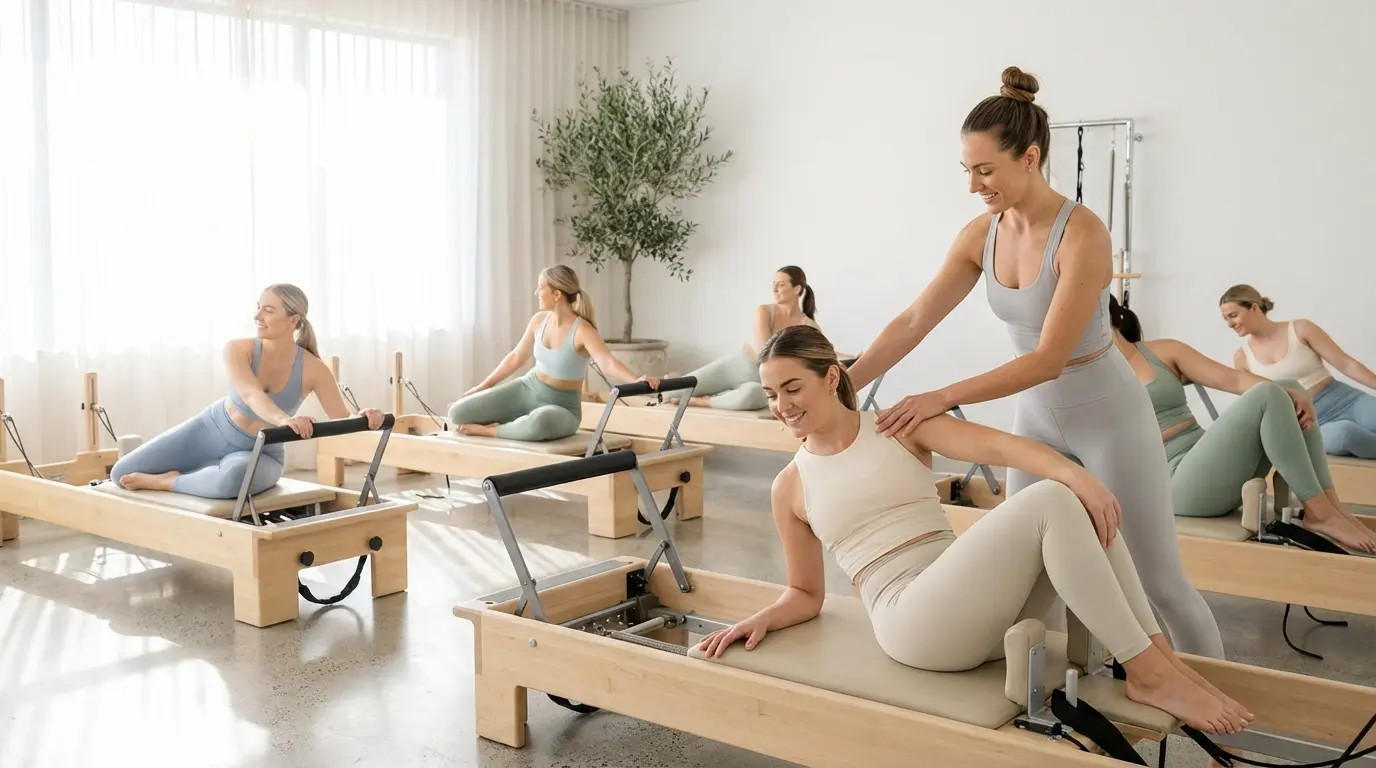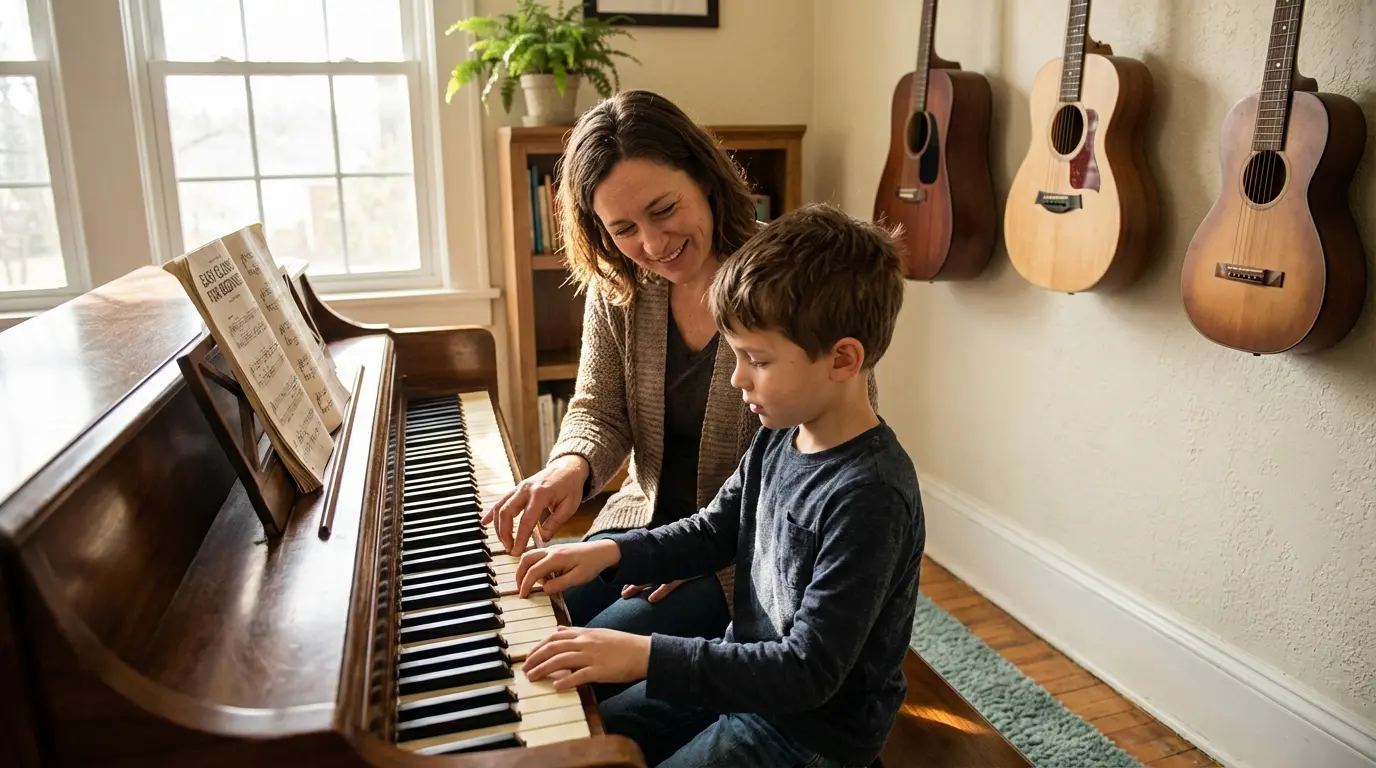



Open scheduling makes online appointment booking as flexible as your day: you define when you are available, your customers book the slot that suits them.
Appointment booking without fixed class times
Personal training, private lessons, trial sessions or consultations do not follow a fixed timetable. Yet in many studios these appointments are still arranged via endless messages back and forth until a time is finally set.
With Bookicorn you simply switch an offer to the open scheduling booking mode. Instead of fixed sessions you store an availability profile with your hours per weekday. The system automatically calculates all bookable slots and shows them live on your booking page and in your widget. Profiles are reusable: create one once and assign it to as many offers as you like.
The result: your customers book on their own around the clock while you keep full control of your hours. Payment happens right at booking, by card, credits or whichever methods you allow.
Open scheduling with Bookicorn
Everything for flexible appointment booking
From availability profiles to buffers between sessions: open scheduling covers the entire flow without any manual coordination on your side.
Availability profiles
Define your bookable hours per weekday in a profile, for example Monday to Friday from 8 am to noon. Profiles are reusable and can be assigned to several offers at once. Change a profile and the new hours apply immediately to every linked offer.
Time grid and buffers
Choose the grid in which appointments can start, for example every 15, 30 or 60 minutes. On top of that you can plan buffers before and after each session for preparation, wrap-up or changing rooms. Double bookings are impossible.
Booking window and cut-off
Define how far in advance bookings are allowed and until when before the start a slot can be booked. This prevents bookings five minutes before the session or a year ahead. Both rules are set individually per offer.
Exceptions and holidays
Add exceptions such as holidays or individual blocked days without touching your profile. The affected slots disappear from the booking page automatically. Once the exception ends, your normal hours apply again with no extra work.
Instant payment and confirmation
Customers pay for their appointment right at booking, by card, Apple Pay, credits or the methods you enable. Both sides instantly receive a confirmation email including a calendar entry. Cancellations follow the rules you define.
Open scheduling in three steps
Create an availability profile
Define your bookable hours per weekday and save them as a reusable profile.
Switch your offer to open scheduling
Select the open scheduling booking mode on the offer and link your profile. Grid, buffers and booking rules are set right next to it.
Customers book on their own
Your customers see all free slots live on your booking page, pick their preferred time and pay directly online.
Frequently asked questions about open scheduling
Answers to the most important questions about availability-based online appointment booking.
With fixed class times you define date and time up front and customers book one of those sessions. Open scheduling flips the principle: you only store your availability and the customer picks their preferred slot from it. This works best whenever sessions happen individually, such as personal training or private lessons.