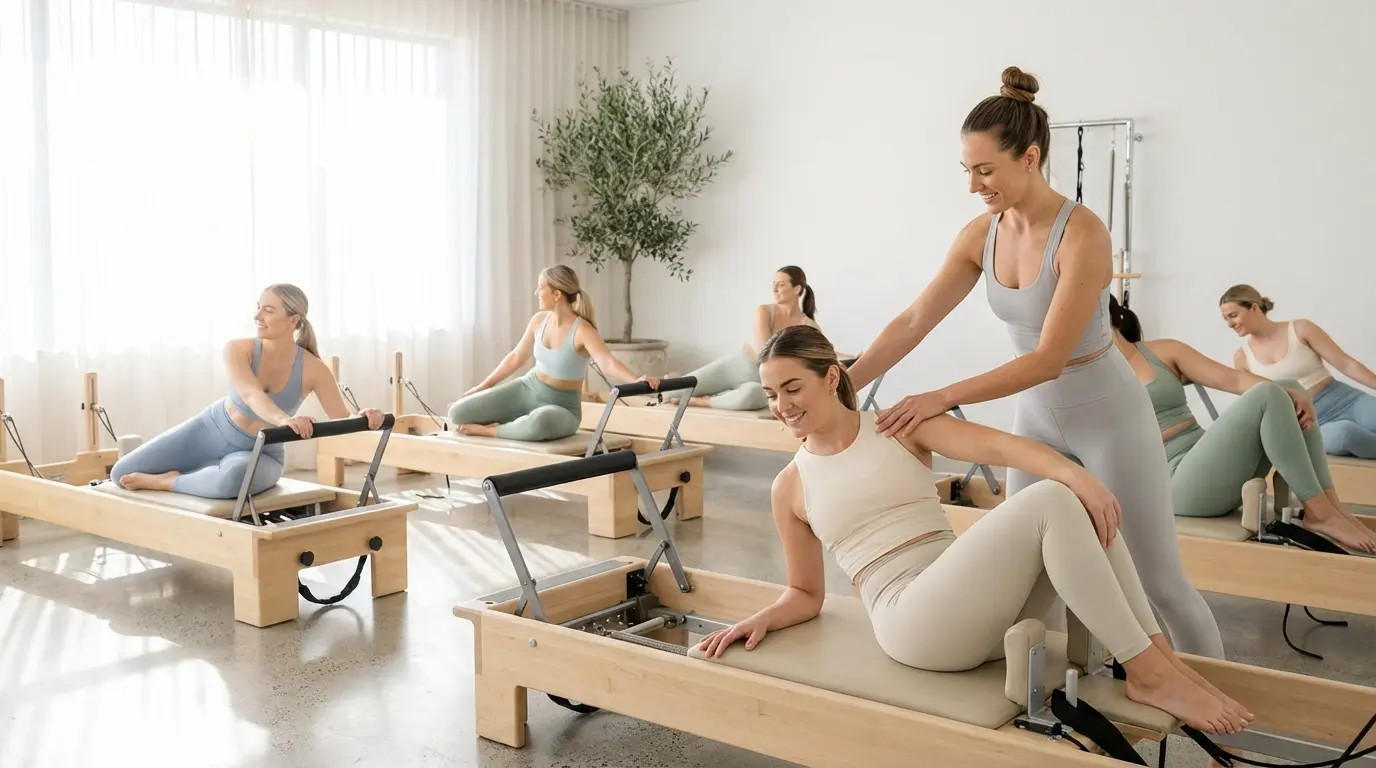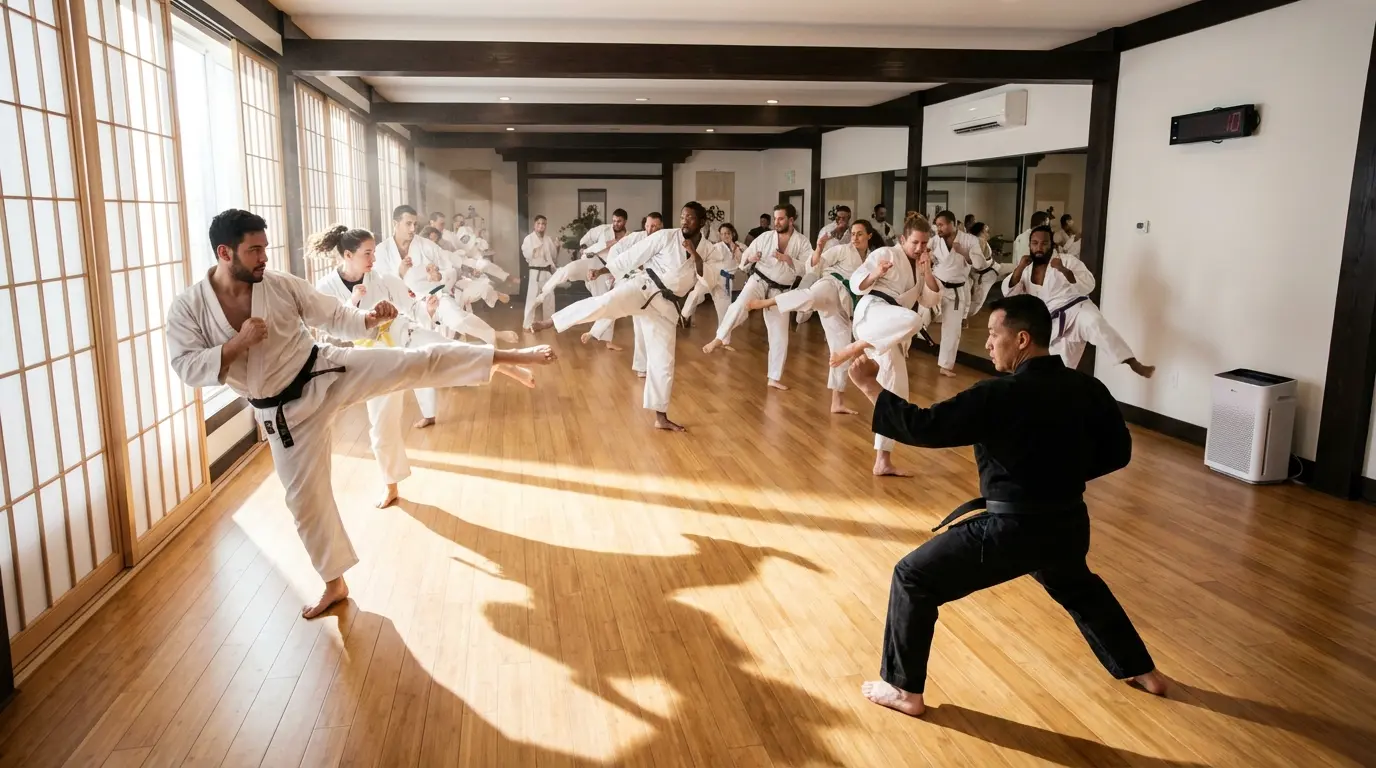



Families, friends or teams book together. The main booker manages everything centrally: names, cancellations and overview in one place.
Groups book together with one click
Families, friend groups or corporate teams want to book together. Without group booking, everyone has to book individually, which is cumbersome and leads to errors. With Bookicorn, one person books for the entire group.
The main booker provides names and optionally email addresses of all participants. All spots are reserved simultaneously, all confirmations sent at once. For cancellations, the entire group is unregistered with one click.
The result: happy groups, less administrative work and full courses. Especially popular for family courses, corporate wellness and team events.
Everything About Group Booking
Families, friends or teams book together. The main booker manages everything centrally: names, cancellations and overview in one place.
Multi-Booking
Book 2, 5 or 20 participants in a single process. fast and error-free. Each participant is correctly recorded and automatically receives their spot in the course.
Participant Management
The main booker can add names, make changes or cancel individual participants. all independently without your involvement. This saves you time and gives the customer control.
Shared Payment
One invoice, one payment. the main booker pays for all participants at once. No back and forth with individual payments, no outstanding items.
Individual Confirmations
Each participant receives their own booking confirmation by email. with all important details like date, location and what to bring.
Group Overview
See in the admin dashboard which groups have booked and how many spots are taken. Filter by group size, course or time period for maximum overview.
Ready in 3 steps
Activate group booking
Enable group booking for your studio. one click in the admin dashboard.
Add participants
Your customer selects the course, enters the number and adds names for all participants.
Book together
One booking, one payment. all participants are instantly confirmed.
FAQ
Everything you need to know about group booking.
There is no fixed limit. The maximum group size depends only on the available course capacity.